Pictures
Every picture in the game is a file in this folder. Change a file, build (python3 build.py) and the game and the website show the new picture. No programming and nothing in engine/src/ to touch.
The pictures here are SVG files: you can open and change them in Inkscape, or in any text editor. Any of them can also be replaced by a .png, .jpg or .webp with the same name: that one is used instead of the .svg. SVG keeps the game file small; big PNGs make it grow by their size.
| Folder | What | Named | Size |
|---|---|---|---|
amulets/ | the amulets | the amulet’s id, as in a stop’s "amulets": scarab.svg | square, 128 × 128 |
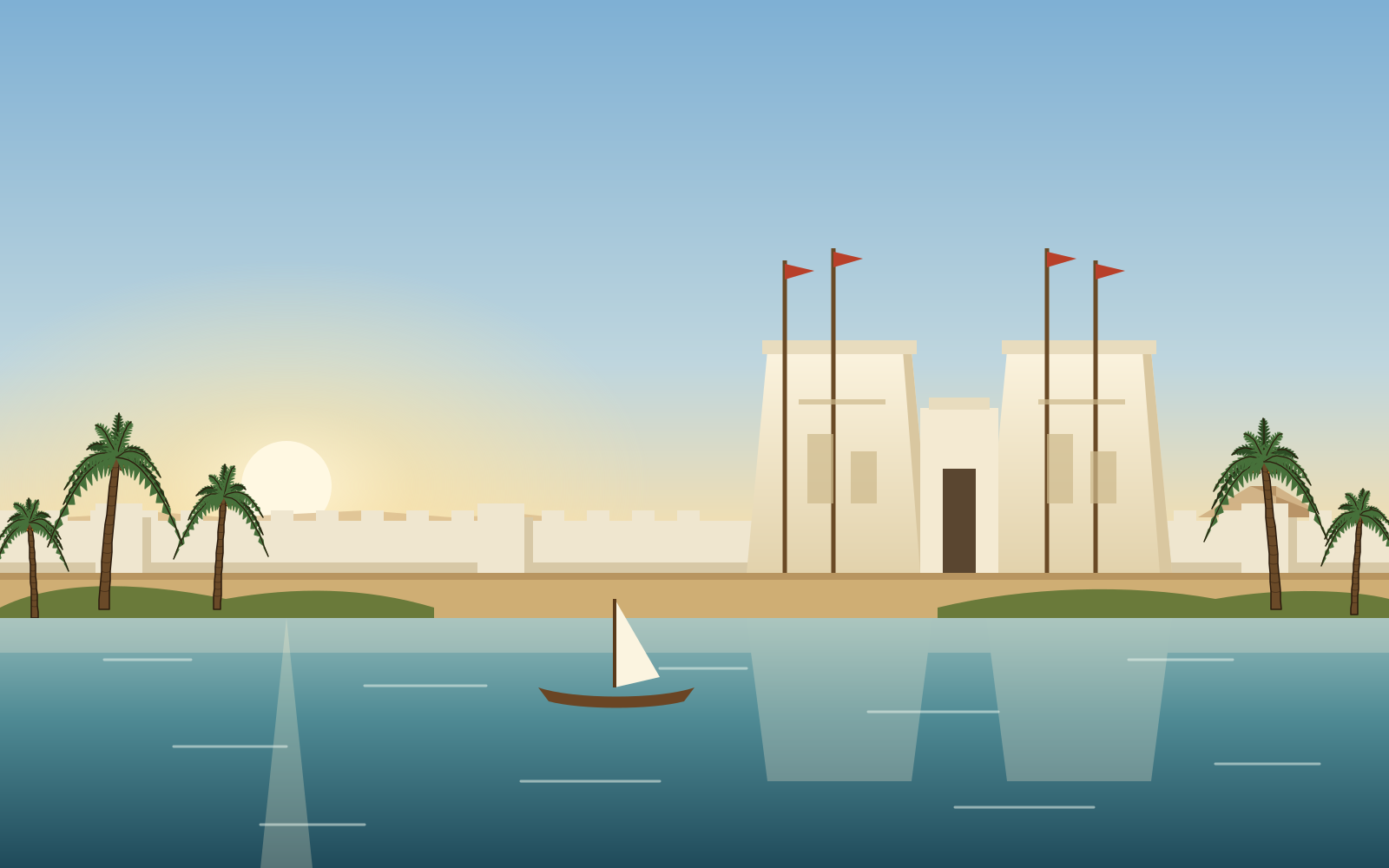
backdrops/ | the scenery behind a stop | the stop’s id: giza.svg | 1600 × 1000, cropped to the screen |
boards/ | what shows through the gaps of a stop’s floor | the stop’s id: giza.svg | 800 × 800, cropped to the board |
amulet-sets/<set>/ | an amulet set with pictures of its own (drawn by tools/amulet-sets/) | the amulet’s id: scarab.svg | square, 128 × 128 |
floors/<set>/ | the squares of a floor set | bare, thick, gilded-1 … gilded-4 | square, 128 × 128 |
specials/ | the marks of special amulets | fixed names (below) | 192 × 192 |
badges/ | the badges amulets fall wearing | fixed names (below) | 96 × 96 |
icons/ | buttons, boons, relics, menu, map, How to play | see below | their own viewBox |
relics/ | a picture for a relic, used instead of its icon | the relic’s id: first.png | square |
favicon.svg | the picture in the browser’s tab (the ankh) | fixed name (or favicon.png) | small, square or tall |
Amulets
A file here is an amulet. scarab.svg is the scarab; a new name, like golden-falcon.svg, is a new amulet a stop can use in its "amulets" (give it a name and a meaning in content/amulets/ too). The picture fills its square as it is drawn, so leave a small margin and use a see-through background. sun.svg is the winged sun, the special made by five in a row.
Amulets at one stop must differ in colour and outline, so they can be told apart at a glance. How an amulet should look and how to generate one, is in the design language.
Scenery and board backings
backdrops/<stop id> and boards/<stop id> belong to that stop. A stop without its pictures won’t build; copying another stop’s is a good start (scripts/new.py stop does it for you). To use a picture with another name, write it in the stop’s file: "scenery": "desert-night", "board_backing": "sand".
Floors
Each floor set in content/floor-sets/ has a folder here with its own id:
bare: stone that needs one match to be gildedthick: cracked stone that needs twogilded-1…gilded-4: gilded squares, mixed across a golden floor (one,gilded, is enough)
Keep the three easy to tell apart. The temple floor (floors/temple/) is special: its bare and thick pictures are see-through and each stop shows them over its own "stone_colour" (thick stone a darker shade of it).
Specials and badges
These are drawn on top of or behind an amulet, so their size is measured from the square: in specials/ and covers/ the middle 128 × 128 of the 192 × 192 picture is the square; in badges/ the badge is a circle of radius 24 in the middle of 96 × 96. The game moves some of them (the ring turns, the glows pulse, the arrows and points move in and out).
specials/:band,band-glow,band-arrows(four in a row),ring,ring-glow(L or T shape),star-glow,star-points(the Star of Sopdet)covers/: one picture per cover incontent/covers/, laid over the amulet, measured as the specials are:sand(an amulet buried in sand in a tomb or temple) andwater(under water in an oasis). A cover that takes several hits may have<id>-1.svgand so on for how it looks with that many layers leftbadges/:gild,moves,cross,bloom,lapisand the cursedapepandsandstorm
Icons
Icons are SVG only, because they go straight into the page: dock/ (the buttons under the board), menu/, boons/, relics/ (32 × 32), ui/ (stars, seal, title-mark, the ankh beside the title, boat, the barque on river events and the big buttons that sail on, keeper, Anubis at the head of his stall, omen, Apep for each omen and chamber-door, the entrance at the top of a tomb’s scroll, whose torches the game makes pulse and oasis-view, the same for an oasis) and map/ (background, the Nile map, its stop markers, door, the doorway beside a stop with a tomb or temple and oasis, the palm beside one with an oasis). Keep each file’s viewBox. Gradient ids in an icon’s <defs> must not repeat across files, except relicGold, which every relic shares.